
Hoho Hub Script v5 – Free Blox Fruits Auto Farm (No Key Required)
It is a famous Roblox script for Blox Fruits that introduces auto-farming, task automation, and multi-functional features to make the gameplay more exciting. Simply inject the script and play — no key required.
Hoho Hub Scripts You Can Use
Here are the scripts for Blox Fruits that you can use. Copy and paste in the script section of the Delta Executor or Xeno Executor for a smooth gaming experience.
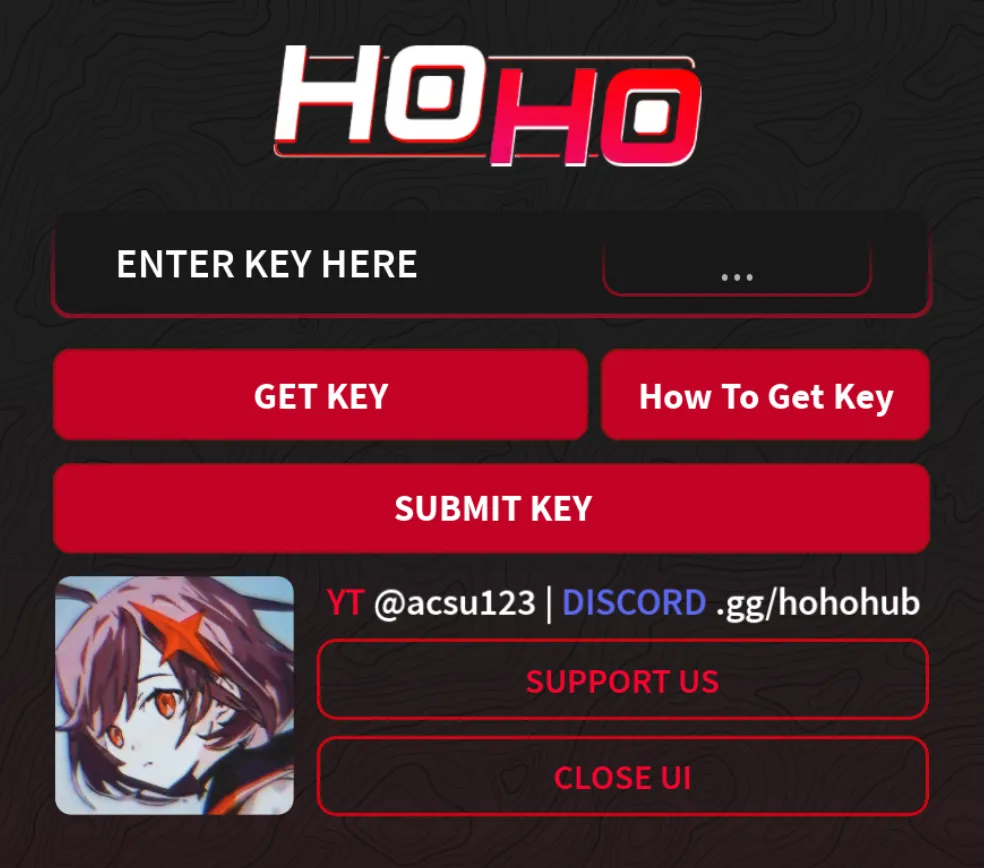
Hoho Hub v5 - Main Script
The main Hoho Hub script for Blox Fruits with auto farm, special fruit, combat system, 1v1 mode, and more. No key required.
loadstring(game:HttpGet('https://raw.githubusercontent.com/acsu123/HOHO_H/main/Loading_UI'))()
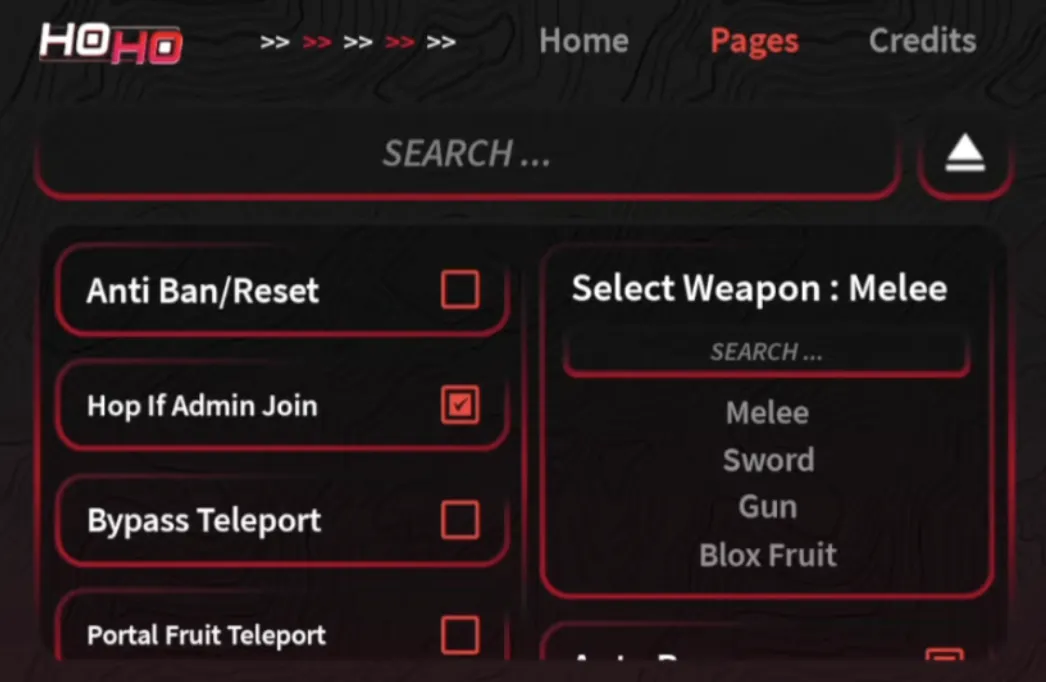
Hoho Hub v2 - Alternative Script
Alternative Hoho Hub script for Blox Fruits. Works as a backup if the main script is down.
loadstring(game:HttpGet("https://raw.githubusercontent.com/acsu123/HohoV2/main/ScriptLoad.lua"))
  ()
What is HoHo Hub Script (v5)?
It is a famous Roblox script that features Blox Fruit. The script introduces incredible features like auto-farming, task automation, and other multi-functional scripts that make the gameplay more exciting.
Enjoy unlimited accessories, equip a farm, and customize the game the way you like without leaving your screen. The Hoho script is constantly updated for mobile and PC. Simply inject the script and play — no additional requirements or key required.
Features of Hoho Hub Script
-
 Auto Farm — Auto farm is the main feature of the script that allows you to complete daily challenges and unlock unlimited fruits automatically.
-
Special Fruit — Players can find hidden fruits and consume them to unlock special abilities, powers, and unique combat styles.
-
Open World Explore — The script explores large islands, seas, growing a garden, hidden locations, and secret NPCs throughout the game world.
-
Combat System — It introduces gameplay modes like melee fighting, combat attack, sword, gun fighting, and fruit powers.
-
Player vs Player (1v1) — Players can fight with each other in the game to test their strength and skills in real-time battles.
-
Level & Progress — Progress as your EXP increases by completing quests and defeating enemies. More weapons and fighting styles unlock as you level up.
How to Install Hoho Hub Script (100% Working Safe Method)
Follow these steps to get the the Script running on your device.
Install Roblox
Before you run the script, make sure you have the latest version of Roblox installed on your PC or Android from the official website. Also, make sure that your Roblox account is logged in.
Get a Script Executor
You need the Xeno or Delta Executor that works for running all types of Roblox scripts. If you already have one, you can skip this step.
Important Note: Please manually update the executor each time after a new version of Roblox is released.
Copy the Script
Copy the the script from above, launch Blox Fruits, join the server, and wait for the map to fully load before pasting the code or running any executor.
Paste & Execute
Open the Xeno or Delta Executor depending on your device (PC/Mobile) and wait for a few seconds. Then paste the script into the executor and rejoin the game.
Enjoy the GUI
If it was successful, you will see the Hoho Hub GUI menu overlay with all the options in the game. Toggle features on and off from the menu.
Download Hoho Hub Script
There's no such thing as downloading the script — you need to copy the script code from above and paste it into the executor before opening Roblox. Do not copy and paste unknown codes from Discord or other platforms, as most of them may contain malicious code.
Conclusion
Hoho Hub Script (Blox Fruit) is a free Roblox script that requires no key or any additional requirements. You just need an executor for your device (PC/Android) and run the script.
The script unlocks special features like free fruit, auto farm, 1v1 battle mode, level and progress system, and combat modes to keep you hooked to the game.
FAQs
1. What is the Hoho Hub Script in Blox Fruits?
It is a famous Roblox third-party script that provides automated features like auto farming, auto fruit, boss mode, auto quest, teleport, 1v1 player mode, and other fun gameplay activities.
2. How to Download the Script for Blox Fruits?
To make the script work, you need a script executor for your PC or Android device. Follow the script installation steps as described above in the guide.
3. How to Get Hoho Hub Key?
There are no specific requirements or need for a Hoho Hub key. Just paste the script into the executor and enjoy — follow the installation steps described above.
4. Is this Safe to Use on Roblox?
The script is safe to use as long as you are not using any third-party script other than the one provided. Make sure Roblox is up-to-date and downloaded from the official website only. Keep the script updated each time a new version is released to avoid getting banned.
5. Does it Work on PC and Mobile?
Yes, the script works both on PC and mobile with Xeno or Delta Executor. Make sure you have installed the correct executor for your device and follow the step-by-step installation tutorial above.
Related Scripts
Blox Fruits Delta Script – Copy & Execute
Get the best working Blox Fruits scripts for Delta Executor. Auto farm, auto melee, fast attack, and much more.
Muscle Legend Scripts – No Key, Auto Farm & Rebirth
Get working Muscle Legends scripts with auto strength, auto rebirth, gems farming, and anti-AFK. No key required.
Zombie Attack Script – Auto Farm, Kill & God Mode
Get working Zombie Attack scripts with auto farm, auto aim, god mode, and anti-AFK. No key required.
How to Get Delta Executor Key
Step-by-step guide on how to get and activate your Delta Executor key to start running scripts.